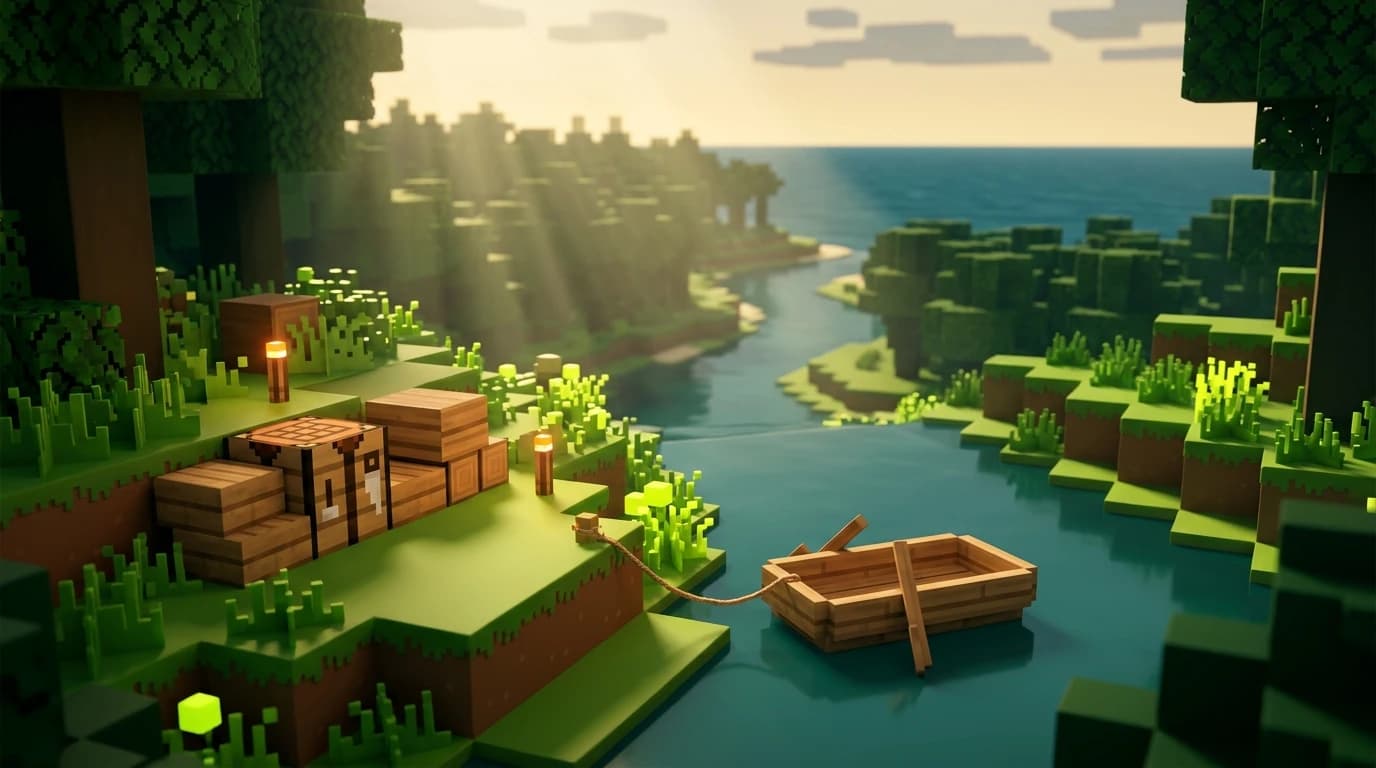
To craft a boat in minecraft, use a crafting table and place five matching wooden planks in a U shape: three across the bottom row and one in each outside slot of the middle row. Take the boat from the result box, place it on water, then interact with it to board.
How to craft a boat in minecraft
You need five wooden planks and a crafting table. The planks must come from the same wood type, such as oak, spruce, birch, jungle, acacia, dark oak, mangrove, or cherry. The recipe creates one boat.
- Five matching wooden planks
- One crafting table
- A water source or shoreline where you can place the finished boat
You can turn logs into planks by placing a log in your inventory crafting grid. One log produces four planks, so two logs are enough to make the five planks required for a boat, with planks left over.
Gather the materials
Find any tree in the Overworld and break its logs. Oak, spruce, birch, jungle, acacia, dark oak, mangrove, and cherry wood each produce their own boat color. You cannot mix different plank types in the standard boat recipe.
Make a crafting table
- Open your inventory crafting grid.
- Place four wooden planks into the four available slots.
- Move the crafting table into your inventory.
- Place the table on the ground and interact with it to open the three-by-three crafting grid.
If you already have access to a village, mineshaft, shipwreck, or another structure with a crafting table, you can use that table instead of making your own.
Place the boat recipe correctly
| Ingredient | Quantity | Result |
|---|---|---|
| Matching wooden planks | 5 | 1 boat |
Use this exact crafting-grid layout:
- Top row: empty
- Middle row: one plank in the left slot, empty in the center, and one plank in the right slot
- Bottom row: one plank in all three slots
In other words, place three planks across the bottom row, then place two more planks in the left and right slots of the middle row. The result looks like a wooden U with the top center and all three top-row slots empty.
Once the boat appears in the result slot, move it into your inventory. If nothing appears, check that all five planks match and that you are using the crafting table rather than the smaller two-by-two inventory grid.
Wood types and bamboo rafts
The wood you use determines the boat's appearance. The recipe works with the following matching plank sets:
- Oak planks for an oak boat
- Spruce planks for a spruce boat
- Birch planks for a birch boat
- Jungle planks for a jungle boat
- Acacia planks for an acacia boat
- Dark oak planks for a dark oak boat
- Mangrove planks for a mangrove boat
- Cherry planks for a cherry boat
Bamboo uses a similar recipe but produces a bamboo raft rather than a normal boat. Place five bamboo planks in the same U-shaped layout. Bamboo rafts function as water transport and can also be upgraded with a chest.
A boat with a chest is made by combining any finished boat with one chest. This gives you storage while traveling, but the chest boat holds only one rider, so you cannot sit in it with another player or mob.
Place and ride the boat
Take the boat from your hotbar and place it on a water source or on a suitable shoreline next to water. On PC, use the normal item-use button, usually the right mouse button. On a controller, use the button assigned to placing or using an item.
- Stand at the edge of a lake, river, or ocean.
- Select the boat in your hotbar.
- Aim at the water or the block beside the water.
- Use the boat to place it.
- Interact with the placed boat to sit inside it.
Once you are riding, use the movement controls to row. On a keyboard, the forward, left, and right movement keys control the boat. Your exact keybinds may differ if you changed them in the Controls menu. A boat lets you travel across water quickly without using hunger.
Boats can carry two occupants in total, usually one player and one mob or two players. Many mobs can be pushed into a boat, which makes boats useful for moving villagers, animals, and some hostile mobs. A mob inside a boat generally stays there until the boat is broken, sunk, or otherwise disrupted.
How to get out of a boat in Minecraft
To get out of a boat on PC, press the sneak key while riding. The default key is Left Shift in both Java Edition and keyboard-based Bedrock Edition. On a controller, press the button assigned to crouch or sneak, commonly the left stick when you click it.
- Stop rowing near a safe shoreline or shallow water.
- Press and release the sneak button.
- Move away from the boat after your character stands beside it.
If you cannot exit, check the Controls menu for the current sneak key. Do not confuse sneak with the jump key. Jumping does not normally remove you from a boat.
Choose your landing spot carefully. Exiting beside a cliff, cactus, magma block, or hostile mob can put you in danger. In deep water, you may also need to swim back to the boat if you exit too far from land.
Can you lead a boat in Minecraft?
Yes. In current vanilla versions, you can attach a lead to a boat and pull it short distances, including toward a dock or storage area. Hold a lead, interact with the boat, and then walk while keeping the lead from stretching too far.
You can also attach the lead to a fence to keep the boat from drifting away. This is useful when you leave boats beside a base, village, trading hall, or harbor.
- Boats move much more slowly on land than on water.
- A lead can break if you pull the boat too far or around difficult terrain.
- Use a clear path when moving a boat over land.
- For long-distance travel, place the boat in water and row instead.
Leads are especially useful when transporting a boat that contains a mob. You can secure the boat at your destination before trying to remove the passenger.
Java Edition and Bedrock Edition differences
The standard boat recipe is the same in Java Edition and Bedrock Edition: five matching planks arranged in a U shape on a crafting table. Both editions support the major wood variants and bamboo rafts, although your available variants depend on the game version you are playing.
The main difference for this guide is control input. On PC Java Edition, press the sneak key, which is Left Shift by default, to leave the boat. On PC Bedrock Edition, use the key assigned to sneak. On consoles and mobile devices, use the crouch control shown in your current control settings.
Some boat behavior involving mobs, collision, and movement can vary slightly between editions. If a mob refuses to enter, or a boat behaves differently near blocks, give it more open space and check that the boat is floating on water rather than pressed against the shoreline.
Common boat mistakes and faster solutions
Using the wrong crafting grid
A boat requires the three-by-three grid from a crafting table. The two-by-two inventory grid is too small for the recipe, so make or find a crafting table first.
Mixing wood types
Five planks are not enough if they do not match. Replace mixed planks with five pieces from the same wood type, such as five spruce planks or five oak planks.
Placing the recipe upside down
The recipe must form a U shape: two planks on the middle row's outside slots and three planks across the bottom row. If the result does not appear, compare every slot with that layout.
Losing the boat after leaving it
Place the boat in a sheltered dock, attach it to a fence with a lead, or break it and pick it up before leaving. Open water currents and collisions can move an unattended boat away from its original location.
For routine exploration, carry at least one spare boat or enough planks to craft another. A boat is cheap, works across oceans and rivers, and can also help you move mobs when walking them would take much longer.