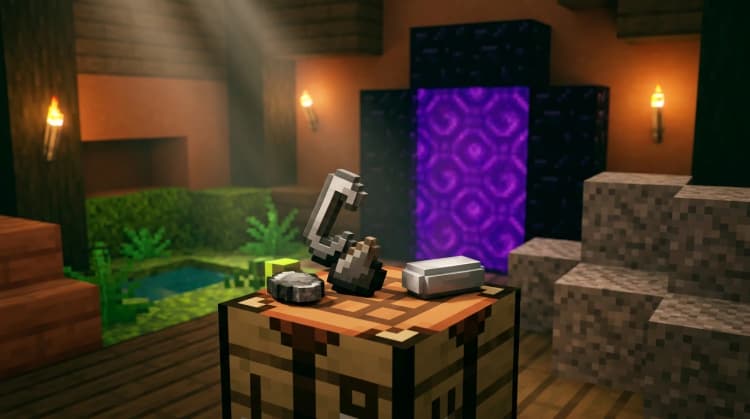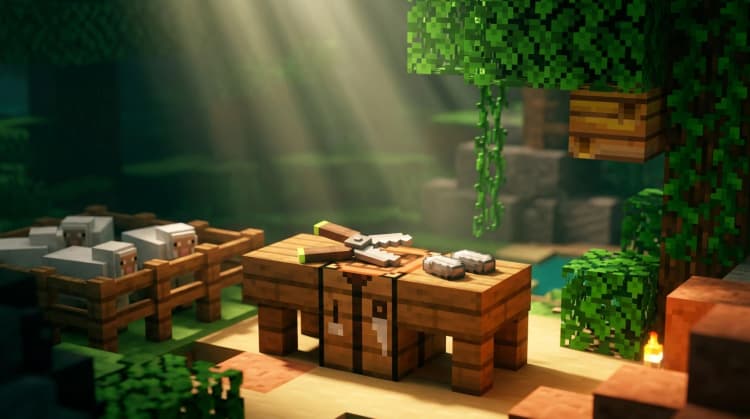
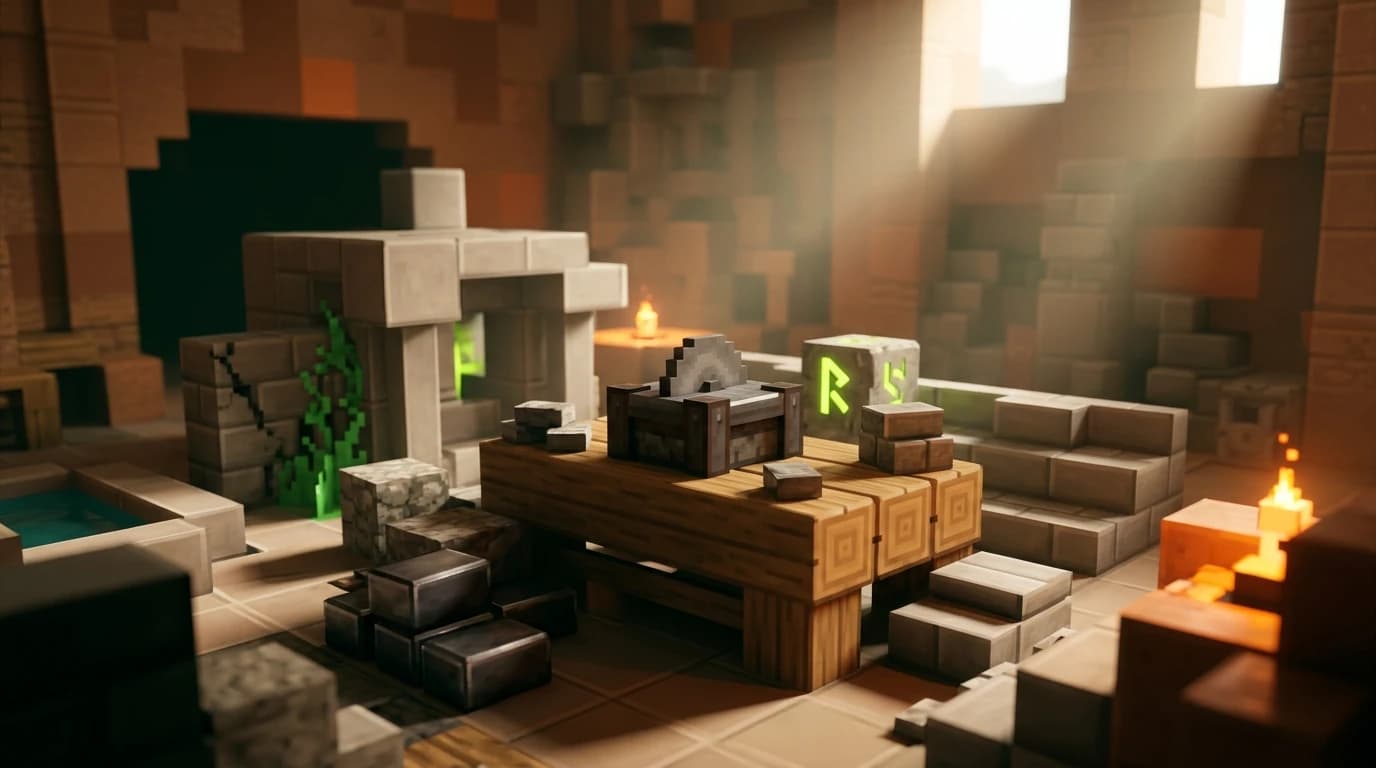
To answer how do you make a stonecutter in minecraft, combine 1 iron ingot and 3 stone blocks in a crafting table. Put the iron ingot in the top-center slot, place the 3 stone blocks across the bottom row, and move the stonecutter into your inventory. You can also find one in a village mason’s house.
How do you make a stonecutter in minecraft?
The stonecutter recipe uses four total ingredients and requires a crafting table because the player inventory grid is only 2×2. Gather these materials before opening the table:
- 1 iron ingot
- 3 stone blocks
- 1 crafting table
Stone is different from cobblestone. Mining ordinary stone with a pickaxe normally gives you cobblestone unless the pickaxe has Silk Touch. If you only have cobblestone, smelt it in a furnace with any fuel to create stone.
Stonecutter recipe and crafting-grid layout
| Ingredient | Quantity | Where it goes |
|---|---|---|
| Iron ingot | 1 | Top-center slot |
| Stone | 3 | All three slots in the bottom row |
| Stonecutter | 1 | Crafting output |
Open the 3×3 crafting table and place the iron ingot in the middle slot of the top row. Place one stone block in each slot of the bottom row. Leave the entire middle row empty. The stonecutter appears in the output box.
How to get the ingredients
- Mine iron ore with a stone pickaxe or better, then smelt the ore in a furnace to make an iron ingot.
- Mine at least 3 stone blocks. Without Silk Touch, mine cobblestone and smelt it into stone.
- Use four wooden planks to craft a crafting table if you do not already have one.
- Place the ingredients in the correct pattern and collect the stonecutter.
How to get a stonecutter without crafting
You can get a stonecutter from a village that contains a mason’s house. A generated stonecutter can be collected and moved to your base, but you need a pickaxe to break it and receive the block. Breaking it without a pickaxe does not drop the stonecutter.
Taking a village stonecutter can also affect the nearby mason villager. The stonecutter is the mason’s job-site block, so removing it may cause that villager to lose or change its profession if the villager has not been traded with. Place the block back near the villager if you want to preserve the workstation.
Crafting your own is usually faster once you have iron and access to a furnace. It also lets you keep the village workstation in place for trading.
What does a stonecutter do in Minecraft?
A stonecutter converts stone-related blocks into decorative building blocks. It works as an alternative to a crafting table, but it offers a list of valid results after you insert a compatible block. Select the result you want, then take the finished blocks from the output slot.
Common stonecutter uses include:
- Turning stone into stone stairs, slabs, walls, stone bricks, and chiseled stone bricks.
- Turning cobblestone into cobblestone stairs, slabs, and walls.
- Turning mossy cobblestone into mossy stairs, slabs, and walls.
- Processing granite, diorite, and andesite into polished blocks, stairs, and slabs.
- Cutting deepslate, tuff, sandstone, prismarine, quartz, blackstone, end stone, purpur, and copper into supported variants.
The exact options depend on the input block. If a result does not appear, that block combination is not supported by the stonecutter.
How to use a stonecutter in Minecraft
- Place the stonecutter on a solid block where you can reach it.
- Use the stonecutter to open its interface.
- Put one compatible stone-related block in the input slot.
- Choose a result from the recipe list.
- Take the finished block from the output slot.
Stonecutting normally uses one input block at a time and immediately produces the selected result. You do not need a separate crafting ingredient, fuel, or pattern. This makes the block useful when you are switching between several architectural variants during a build.
Why stonecutters save materials
The biggest advantage is that many outputs use one input block per result. For example, a stonecutter turns one stone block into one stone stair, while the standard crafting-table recipe uses six blocks to produce four stairs. A stonecutter also produces two slabs from one full block, making it more efficient than the normal slab recipe.
For walls and several decorative variants, the stonecutter can also remove extra crafting steps. You can often move directly from a base block to the version you need instead of crafting an intermediate block first.
Stonecutter uses for builders and villagers
The stonecutter is especially useful for large construction projects. Keep one beside your building materials so you can turn excess stone into stairs, slabs, walls, and polished variants without filling your inventory with multiple crafting ingredients.
It also functions as a mason villager’s job-site block. An unemployed villager can claim an unclaimed stonecutter and become a mason when the normal villager job conditions are met. Mason villagers trade stone-related materials and building blocks, so placing a stonecutter in a trading area can help organize a stone-focused village setup.
Do not place the block where another villager already claims it unless you are intentionally rearranging professions. If a villager has already been traded with, its profession and trades are locked even if the workstation is removed.
Java Edition and Bedrock Edition differences
The stonecutter works in both Java Edition and Bedrock Edition, and the basic recipe uses 1 iron ingot and 3 stone blocks. The crafting layout is the same: iron in the top-center slot and three stone blocks across the bottom row.
Some versions of Bedrock Edition accept additional stone-family variants in the stonecutter’s own crafting recipe, while Java Edition traditionally requires regular stone. If a variant does not work in your edition, smelt cobblestone into regular stone and use that guaranteed ingredient.
The interface can look slightly different between PC, console, and mobile controls, but the process is unchanged: insert a compatible block, select the output, and collect it.
Common stonecutter mistakes and faster alternatives
- Using cobblestone in the recipe: Smelt it into stone first unless your edition accepts a variant.
- Using only one or two stone blocks: The standard recipe needs three stone blocks.
- Putting the iron in the wrong slot: Place it in the top-center slot and place stone across the bottom row.
- Mining the block without a pickaxe: Use any pickaxe to collect a placed stonecutter.
- Expecting wood recipes: A stonecutter processes stone and other supported mineral building blocks, not planks, logs, or wooden stairs.
If you are building with large amounts of stairs or slabs, craft the stonecutter early. One iron ingot and three stone blocks can save substantial materials over the course of a project, especially when you are working with expensive blocks such as copper, quartz, or prismarine.